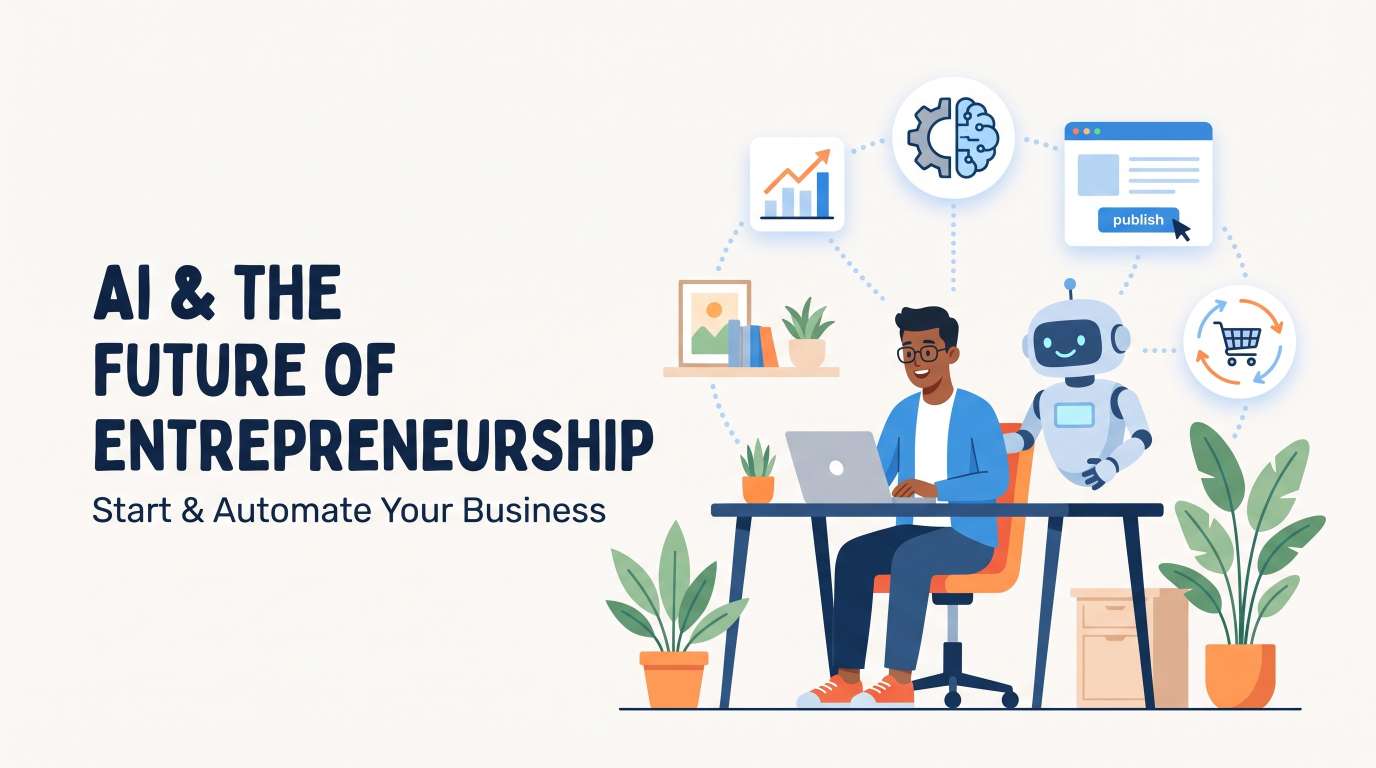
How Startups Can Use AI Without a Large Team

If you run a startup today, you probably hear about Artificial Intelligence every single hour.
Big tech companies talk about massive data centers, multi-million-dollar budgets, and teams of 50 machine learning engineers. When you see that news, you might think:
"That sounds amazing, but I only have three people on my team. How can I even compete?"
Here is the honest truth: you do not need 50 engineers. You do not need a million-dollar budget. In fact, small teams actually have an unfair advantage right now.
Why? Because big companies move slowly. They have long meetings, legal reviews, and red tape before they test any new software. As a startup, you can test a tool before lunch, automate a whole process by dinner, and start saving money tomorrow morning.
In this guide, we are going to break down exactly how startups can use AI without a large team. We will keep things simple, practical, and zero-fluff. Think of this like sitting down over coffee and setting up your startup playbook together.
Why You Do Not Need a Big Team to Win with AI
Let us kill the biggest myth first: you do not need to build your own artificial intelligence models from scratch.
A few years ago, if a business wanted smart computer programs, they had to:
Hire specialized data scientists.
Clean millions of rows of private data.
Rent expensive servers for months.
Write custom algorithms.
Today, that whole game has changed. The smartest systems on earth already exist. You can access them through simple browser apps or plug-and-play connections (called APIs) for just $20 to $50 a month.
When you learn how startups can use AI without a large team, you stop thinking about building technology and start thinking about connecting tools to solve everyday problems.
The 80/20 Rule of Startup Automation
In any small company, about 80% of your daily grind comes from repetitive tasks:
Replying to basic customer questions.
Writing social media updates and blog drafts.
Sorting spreadsheets and cleaning email lists.
Taking notes in sales calls and organizing action items.
If two or three founders spend half their day on those tasks, nobody is building the product or closing major deals. By letting software handle the repetitive 80%, a tiny team of two can get the same amount of work done as an office of ten people.
Step 1: Fix Customer Support First
Customer support is usually the first area where small teams hit a wall. When you start getting users, you want to answer them immediately. But if you spend all day typing answers to the same five questions, you have zero time left to build your startup. For automate your Support system you can see How AI Is Changing Customer Service
Use Smart Chatbots That Actually Know Your Product
Old chatbots were annoying. They gave you three rigid buttons, and if you typed anything outside those buttons, they said, "Sorry, I do not understand."
Modern AI tools work completely differently:
You upload your website links, help docs, or PDF manuals into a simple tool (like Chatbase, Intercom, or Tidio).
The system reads your documents in three minutes.
When a user asks, "Does your product work on an iPad?" or "How do I change my billing card?", the system reads your actual help docs and writes a polite, exact answer instantly.
Handle Global Time Zones Without Night Shifts
If your customers are in Europe, Asia, and North America, you cannot stay awake 24 hours a day.
When your startup sets up an automated support assistant:
Night-time visitors get answers in three seconds.
Leads do not leave your landing page because they had a quick question.
Your inbox stays clean. You only step in when someone has an unusual or high-value problem.
Step 2: Supercharge Your Marketing and Content Creation
Marketing is another spot where founders get stuck. Everyone knows that to get customers from search engines and social platforms, you need consistent content. But hiring a full marketing agency can easily cost $5,000 to $10,000 every month.
Here is how startups can use AI without a large team to create consistent marketing material.
Turn One Core Idea into Ten Pieces of Content
You do not need to write ten different posts from scratch every week. Instead, work like a media studio:
Record a 5-minute video or voice note explaining one problem your customer has and how to solve it.
Run that audio through a transcription tool (like Whisper or Descript).
Use an AI writer to convert that spoken transcript into:
One long-form blog post.
Three quick LinkedIn posts.
Five bullet-point tweets or threads.
An email newsletter update for your subscribers.
Because the initial thoughts and stories came directly from your brain, the content stays authentic. The software simply handles the reformatting.
Rapid Graphic Design and Visuals
You no longer need to wait two weeks for a graphic designer to give you a blog banner, a product mockup, or social media cards.
With modern design tools like Canva (with built-in magic design features) or image generation tools like Midjourney:
You can create clean, professional visual assets in minutes.
You can remove backgrounds, resize images for every social channel, and keep your brand colors consistent without learning complex Photoshop menus.
Step 3: Accelerate Software Development and Product Building
If you are building a tech startup, your biggest expense is almost always software development. Good programmers are expensive, and single founders often struggle to build complete applications alone.
Can a small startup build great software today without hiring an army of coders? Yes, absolutely.
Pair Programming with AI Assistants
If you or your co-founder know how to code, AI code assistants (like GitHub Copilot or Cursor) act like a senior engineer sitting right next to you:
Writing repetitive code: Boilerplate setup, form validations, and database queries are written in seconds.
Finding bugs: When you get a strange error message, you can paste it directly into the assistant and ask, "Why is this breaking, and how do I fix it?" It explains the bug in simple English.
Translating code: If you find a helpful code snippet written in Python, but your app uses JavaScript, your tool can convert it cleanly in ten seconds.
The Rise of No-Code Combined with AI
What if nobody on your team knows how to write code?
You can now connect modern no-code platforms (like Bubble, Webflow, or FlutterFlow) with AI APIs:
Build complete web apps using drag-and-drop screens.
Connect your app to OpenAI, Anthropic, or open-source models using simple webhooks.
Launch an interactive, working software product in two weeks instead of waiting six months.
This allows lean founders to validate an idea with real paying users before spending thousands of dollars on custom code.
Step 4: Streamline Sales and Lead Generation
For B2B startups (selling to other businesses), sales calls and cold outreach eat up massive amounts of time. Researching companies, finding contact emails, and writing personal notes can take hours per prospect.
Here is the exact playbook to keep your sales pipeline full without a dedicated sales team.
Automated Prospect Research
Instead of clicking through fifty LinkedIn profiles by hand:
Use prospecting tools (like Clay or Apollo) to find companies that match your ideal customer profile.
Use automated prompts to visit their company websites, summarize what they do, and pinpoint their pain points.
Have your tool draft a personalized first line for your email based on recent company news.
When you sit down to send emails, you are not staring at a blank screen. You are simply reviewing smart drafts and clicking send.
Turn Sales Calls into Automatic Next Steps
During a sales call, you should be listening closely to the customer—not typing frantically into a notebook.
Use an AI meeting assistant (such as Fathom, Fireflies, or Otter):
It joins your Zoom or Google Meet call silently.
It records and transcribes the entire conversation.
As soon as the call ends, it sends a clear summary to your inbox: what the customer liked, their objections, and the exact follow-up tasks you promised to do.
You can paste that summary directly into an email to the client within two minutes. It makes your startup look fast, reliable, and deeply professional.
Step 5: Operations and Financial Organization
Operational tasks do not generate revenue directly, but if you ignore them, your business falls apart. Legal paperwork, invoice tracking, and customer feedback sorting can quickly overwhelm a tiny team.
Reading Long Contracts and Agreements
Startups deal with vendor contracts, software terms, and partnership agreements. While you should always consult a qualified lawyer for major deals, you can use AI to understand everyday agreements:
Upload the vendor contract and ask: "List every section where we are locked in for more than 12 months, or where prices can increase."
Ask: "Summarize the cancellation policy in plain English."
In five seconds, you know exactly what to look out for before signing.
Categorizing Customer Feedback Automatically
When customer feedback comes in from emails, reviews, and support tickets, small teams usually let it pile up in disorganized folders.
You can connect your incoming messages to an automated sheet:
The system labels every comment by sentiment (Happy, Frustrated, Confused).
It groups comments by feature request (Billing, Mobile App, Speed, Design).
At the end of every month, you get a clean chart showing exactly what your users want you to build next.
Recommended AI Stack for a Lean Startup
To make this completely actionable, here is a clean, budget-friendly software stack you can run right now for under $200 a month:
Category | Recommended Tools | What It Replaces | Approx. Monthly Cost |
Writing & Strategy | ChatGPT Plus or Claude Pro | Copywriter / Junior Researcher | ~$20 |
Customer Support | Chatbase or Tidio | Full-time Support Agent | ~$30 - $50 |
Coding & Tech | GitHub Copilot or Cursor | Junior Developer Hours | ~$10 - $20 |
Meeting Notes | Fathom or Fireflies | Administrative Assistant | $0 (Free tiers) - $18 |
Visual Content | Canva Pro | Basic Graphic Designer | ~$13 |
Automation Glue | Zapier or Make.com | Custom Internal Tool Builders | ~$20 - $30 |
With just these six tools, a team of two people can produce the output of an eight-person company.
4 Costly Mistakes Startups Make with AI (And How to Avoid Them)
While these tools are powerful, many founders rush in and make mistakes that waste time and hurt their brand. Here is what you must watch out for:
1. Publishing Lazy, Generic Content
Never copy raw text straight out of an AI generator and paste it onto your website or social media.
People can spot robotic, generic writing instantly. It sounds polite, but it says nothing interesting. Always add:
Real stories from your startup journey.
Specific numbers, screenshots, and case studies.
Your unique opinion or contrarian viewpoint.
Use software to create the first draft, but always use your human voice to finish it.
2. Giving Sensitive Data Away Carelessly
Be careful about what information you type into free, public tools. If you paste secret customer databases, personal phone numbers, or proprietary code into random platforms, you might violate data privacy laws.
Always check the privacy settings of any tool you use. Ensure they have a clear policy stating they do not use your private business data to train their public models.
3. Automating Processes That Are Broken
If your sales pitch is bad, using automated software to send 1,000 emails a day will only help you annoy 1,000 people faster.
First, do things manually:
Talk to ten customers directly.
Find the words that make them buy.
Write emails that actually get replies.
Once you know what works, then bring in automation to scale it.
4. Buying Too Many Tools at Once
There are hundreds of new tools launched every single week. Do not get distracted by shiny new software. Pick one single bottleneck in your business this week—whether it is customer support or writing documentation—and solve that one problem first.
Real-Life Example: How a 2-Person Team Scaled to $30k Monthly Revenue
Let us look at a practical, real-world example of how startups can use AI without a large team.
Mark and Elena launched a micro-SaaS company that helps real estate agents organize property listings. They had no investors, no marketing team, and no dedicated customer service reps.
Here is how they structured their daily business:
Product Development: Mark wrote code using Cursor. He built the entire first version of the web app in three weeks by using the assistant to generate database rules and front-end forms.
Customer Onboarding: Elena created short video walkthroughs. She used Descript to edit them automatically by deleting filler words like "um" and "uh" from the text transcript.
24/7 Support: They installed an AI widget trained on their 15-page knowledge base. That single widget solved 78% of incoming customer questions without Mark or Elena touching the keyboard.
Content Engine: Once a week, Elena interviewed a top real estate agent. An automation workflow turned that 20-minute audio into two blog posts, five LinkedIn updates, and a weekly newsletter.
Within nine months, they reached $30,000 in monthly recurring revenue with zero full-time employees. They did not work 90-hour weeks. They simply let software do what software does best.
Step-by-Step Action Plan for Your First Weekend
Ready to get started? You do not need a three-month planning phase. Here is a simple 3-step challenge for this weekend:
Step 1: List Your Three Biggest Time Wasters
Sit down on Friday afternoon and write down the three tasks that made you feel exhausted this week. Was it answering repetitive emails? Formatting social posts? Taking call notes?
Step 2: Pick One Tool to Test
Do not try to automate everything at once. Choose the single biggest time drain from your list and sign up for one tool built for that exact task. Spend 45 minutes connecting it to your workflow.
Step 3: Run It Alongside Your Work for 5 Days
For one week, use that tool every day. Track how many hours you save. When you see your schedule open up, move to the next item on your list.
Frequently Asked Questions (FAQ)
Can a non-technical founder use these AI tools easily?
Yes. Almost all modern tools feature simple interfaces with standard buttons, clear menus, and natural language prompts. If you know how to use Google Docs and send an email, you can use 95% of these platforms without writing a single line of code.
Will AI replace the need to hire people completely?
No. Technology does not replace the need for great team members; it delays the need to hire too early. Instead of hiring three assistants when you have very little revenue, you can use automated tools until your business is profitable enough to hire top-tier talent.
How much money does a startup need to start using AI?
You can start for free. Many of the top platforms offer free tiers with generous monthly limits. A comprehensive, powerful setup for a small team usually costs between $50 and $150 per month.
Is AI safe for handling customer support?
Yes, as long as you limit the bot's knowledge to your official help documentation and maintain a clear button that lets customers reach a real person for unusual issues.
Final Thoughts: The Future Belongs to Lean Startups
You do not need an office full of desks or a giant payroll to build a successful, profitable business today.
By understanding how startups can use AI without a large team, you can keep your expenses low, move five times faster than big corporations, and focus your energy on what truly matters: talking to your users and building a product they love. If you want to fully automate your business, contact GoodlySoft.
Start small, automate your biggest daily headache today, and watch how much your startup can accomplish with just a few smart tools on your side.
Ready to grow your business?
Contact us today to find out how our strategies can scale your operations to the next level.
Contact Us